Managing your HELB loan balance has never been easier. For thousands of Kenyan students and graduates, one of the biggest concerns after finishing school is repaying the Higher Education Loans Board (HELB) loan. Unfortunately, many loanees end up paying unnecessary penalties simply because they fail to track their balances regularly.
Today, HELB has simplified the process of checking your loan statement through the HELB Loanees Portal, the HELB Mobile App, and even the HELB USSD Code (*642#). With these tools, you are always just a few clicks away from knowing your exact loan balance.
Why It Is Important to Check Your HELB Loan Balance
Knowing your HELB loan balance puts you in control of your repayment journey. Here are some of the key reasons why it’s important:
- ✅ Avoid Penalties: HELB charges fines for late repayment. By tracking your loan, you can stay on top of deadlines.
- ✅ Better Financial Planning: Knowing how much you owe helps you plan your budget effectively.
- ✅ Improved Credit Score: Timely HELB repayment boosts your credit history, making it easier to access other loans.
- ✅ Peace of Mind: No more guesswork—you know your exact balance and repayment progress.
How to Check Your HELB Loan Balance Online
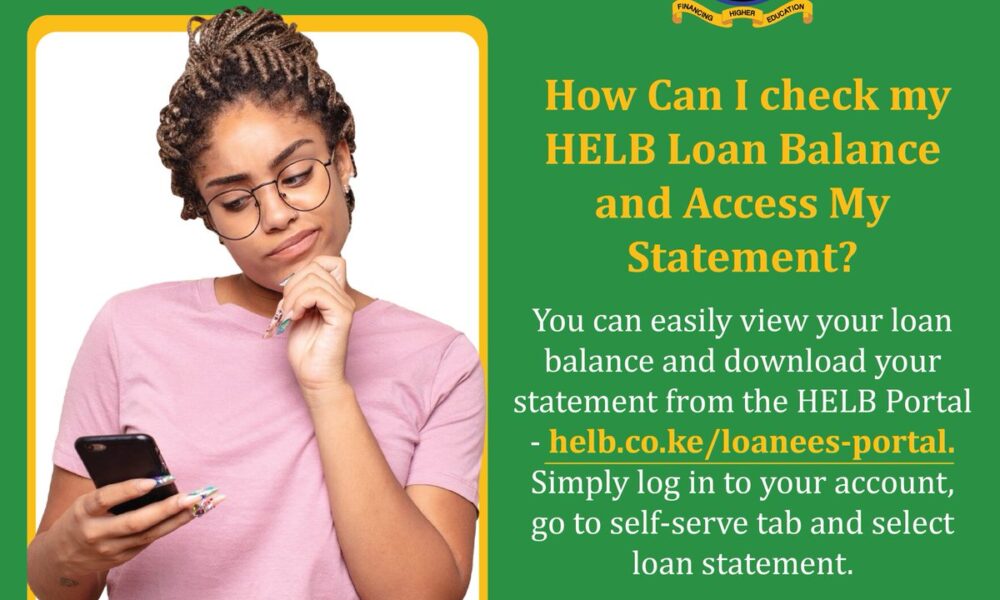
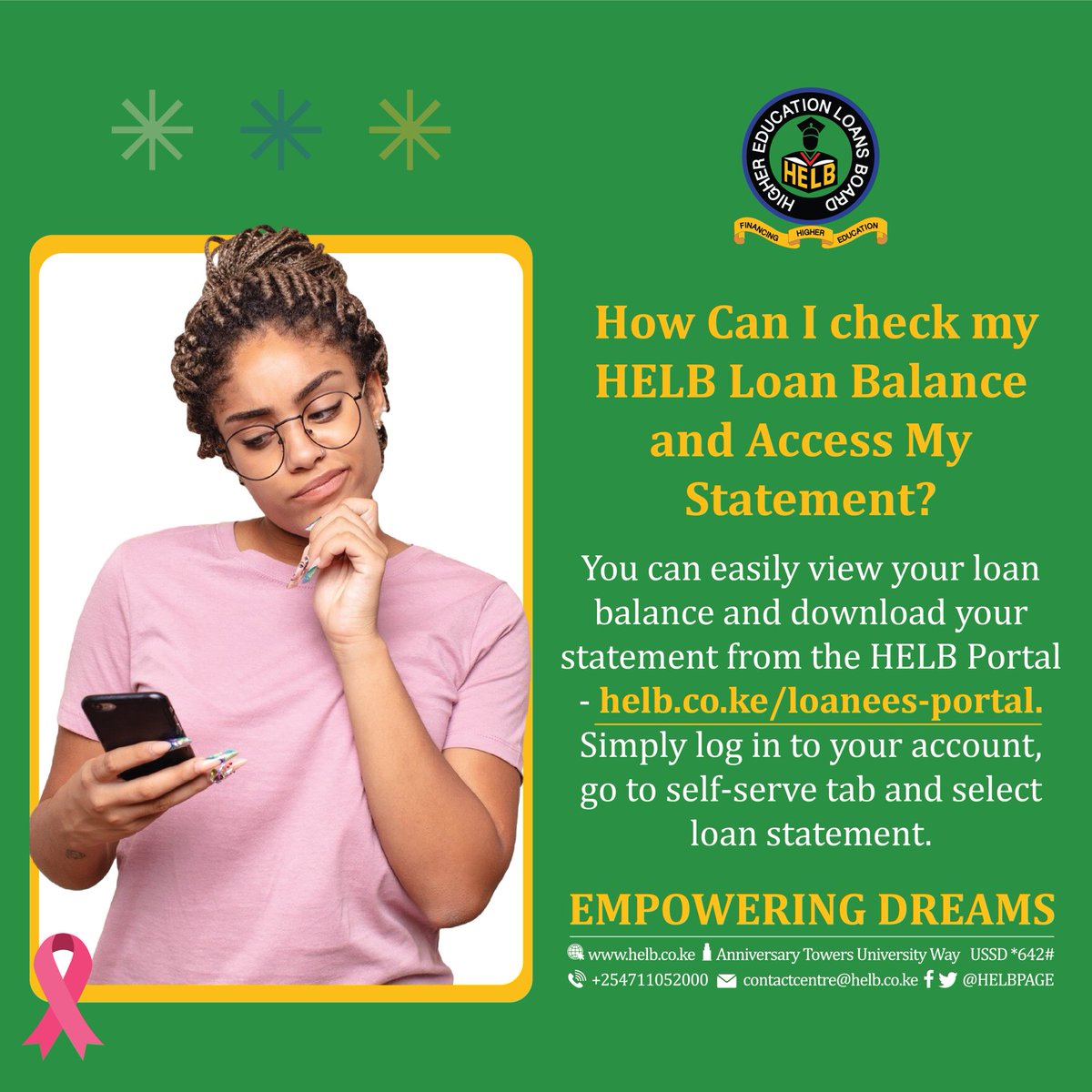
The easiest way to check your loan balance is through the official HELB Loanees Portal.
Step-by-Step Guide:
- Open your browser and visit helb.co.ke/loanees-portal.
- Enter your registered email address and password to log in.
- Once logged in, go to the Self-Serve Tab.
- Select Loan Statement.
- Your current loan balance will appear on the screen.
- You can also download your HELB statement for future reference.
How to Check HELB Balance Using the Mobile App
HELB also provides a mobile application that makes it easier for borrowers to track their balances anywhere, anytime.
Steps:
- Download the HELB Mobile App from Google Play Store.
- Register using your HELB account details.
- Log in to your account.
- Select Loan Statement to view your balance instantly.
How to Check HELB Loan Balance via USSD Code
For those who may not have access to the internet, HELB has provided a convenient USSD service.
Here’s how:
- Dial *642# on your Safaricom or Airtel line.
- Follow the prompts to log in using your ID number and registered details.
- Select the Loan Balance option.
- Your HELB balance will be displayed via SMS.
How to Download HELB Loan Statement
Your HELB loan statement is a crucial document that shows the history of your loan disbursements and repayments.
- Log in to the HELB Portal.
- Navigate to Self-Serve Tab > Loan Statement.
- Click on Download Statement.
- Save it as a PDF or print it for records.
This is particularly important if you need proof of repayment for job applications, visa processing, or credit checks.
Frequently Asked Questions (FAQs)
1. How often should I check my HELB loan balance?
It’s advisable to check at least once every 2–3 months to avoid missing payments and to keep track of your repayment journey.
2. Can I repay my HELB loan before the due date?
Yes, HELB allows early repayment. In fact, clearing your loan early helps you save on interest.
3. What happens if I don’t repay my HELB loan?
Failure to repay can result in penalties, blacklisting by the Credit Reference Bureau (CRB), and difficulties in accessing other loans.
4. Can I get my HELB loan balance through email?
Yes, by contacting contactcentre@helb.co.ke, you can request assistance with your balance and statement.
*5. Is the HELB USSD Code (642#) available on all networks?
Currently, the service works with Safaricom and Airtel.
Benefits of Staying Updated on Your HELB Loan
- You’ll avoid unnecessary penalties and fines.
- It allows you to plan repayments around your income.
- It helps you secure loans from banks, SACCOs, or microfinance institutions since many require proof of HELB clearance.
- You gain peace of mind knowing you are on track with your obligations.
HELB Contact Information for Assistance
- Website: www.helb.co.ke
- USSD Code: *642#
- Email: contactcentre@helb.co.ke
- Phone: +254711052000
- Head Office: Anniversary Towers, Nairobi
Final Thoughts
Keeping track of your HELB loan balance is not just about avoiding penalties—it’s about taking control of your financial future. With the HELB Portal, the HELB Mobile App, and the USSD Code, you now have multiple ways to monitor your loan balance and download your loan statement.
👉 Don’t wait until you’re penalized. Log in today, check your HELB balance, download your loan statement, and take charge of your repayment journey.