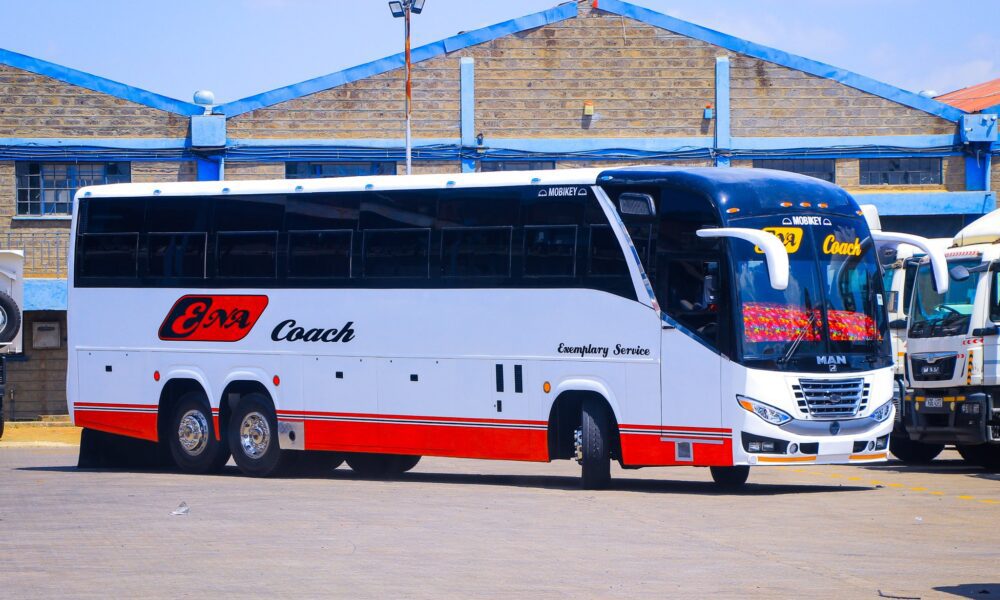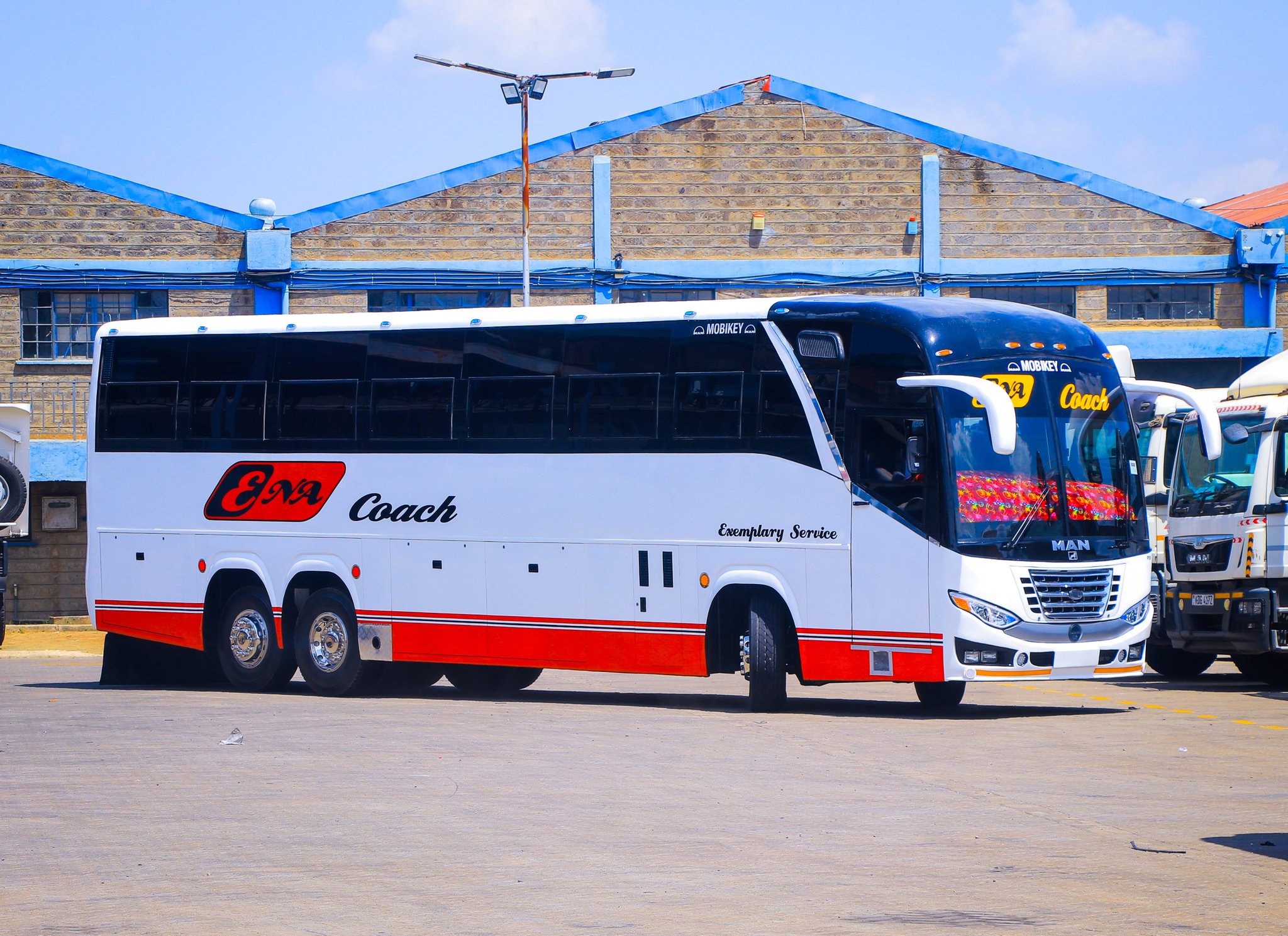
Booking a ticket with Easy Coach online has never been easier. Whether you’re planning a quick getaway or a long journey, their user-friendly platform ensures you secure your seat in just a few clicks. This step-by-step guide will walk you through the entire process, helping you save time and avoid the hassle of visiting booking offices.
Why Choose Easy Coach Online Booking?
Easy Coach’s online booking system provides convenience, speed, and flexibility. With this service, you can:
- Book tickets from the comfort of your home.
- Select your preferred travel date, time, and seat.
- Avoid long queues and last-minute disappointments.
Here’s how you can book your ticket online in just five simple steps:
Step 1: Visit the Easy Coach Website
Start by opening your browser and navigating to Easy Coach’s official website. Once there, locate the “Online Booking” option, usually displayed prominently on the homepage.
Step 2: Select Your Travel Details
Fill in your travel details, including:
- Departure Location: Choose the town or city you’ll be traveling from.
- Destination: Select your intended destination.
- Travel Date: Pick your preferred travel date using the calendar feature.
Click the “Search” button to view available buses for your route.
Step 3: Choose Your Bus and Seat
From the list of available buses, select one that suits your schedule.
- Review departure times and fare prices.
- Click on the bus of your choice to view the seating layout.
- Select your preferred seat by clicking on it (seats that are already booked will be marked as unavailable).
Once satisfied, click “Continue” to proceed.
Step 4: Enter Passenger Information
Provide the required passenger details, including:
- Full Name
- Contact Number
- Email Address (to receive your ticket confirmation)
Ensure all details are accurate to avoid issues during boarding.
Step 5: Make Payment
Choose your preferred payment method from the available options, such as:
- M-Pesa: Follow the provided instructions to pay via mobile money.
- Credit/Debit Card: Enter your card details and confirm payment.
Once the transaction is successful, you’ll receive a confirmation message via SMS or email, containing your ticket details.
Pro Tips for a Smooth Booking Experience
- Book Early: Secure your seat by booking well in advance, especially during holidays.
- Double-Check Details: Confirm travel dates, times, and destinations before completing your booking.
- Save Your Ticket: Keep a digital or printed copy of your ticket for reference.
FAQs About Easy Coach Online Booking
- Can I change my travel date after booking?
Yes, but changes may be subject to availability and additional charges. Contact Easy Coach customer service for assistance. - What happens if I lose my ticket?
If you lose your ticket, you can retrieve it using your email confirmation or by contacting customer support. - Is online booking available for all routes?
Most routes are covered, but it’s best to check the website for specific destinations.
Final Thoughts
Easy Coach online booking is a stress-free way to plan your travels. By following these simple steps, you’ll save time and enjoy a seamless booking experience. Don’t wait until the last minute—secure your seat today and embark on your journey with confidence.
Are you ready to book your ticket? Head to Easy Coach’s website now and enjoy the ease of online booking.